

Key Takeaways
- Home internet arrives through several physical technologies - fiber, cable, DSL, and satellite - each with real performance differences.
- Advertised speeds are maximums, not guarantees; actual speeds depend on your connection type, household usage, and equipment.
- Upload speed matters as much as download speed for video calls and remote work, but is often underemphasized in marketing.
- Data caps can quietly throttle or add fees to your bill - always ask whether a plan includes one.
- Your router quality has a direct impact on the speeds you actually experience inside your home.
- Asking specific questions before signing a contract prevents common and costly surprises.
Start here
What Home Internet Actually Is
Next
The Main Connection Types Explained
Then
What Speeds Really Mean for Daily Life
Build vocabulary
Key Terms Every New Subscriber Should Know
Before you commit
Questions to Ask Before You Sign Up
What Home Internet Actually Is
Home broadband is a persistent connection between your household and the wider internet, delivered by an Internet Service Provider (ISP). Unlike mobile data that travels wirelessly to your phone, a home internet connection typically runs through physical infrastructure - cables buried underground or strung on utility poles - that terminates at a modem in your home.
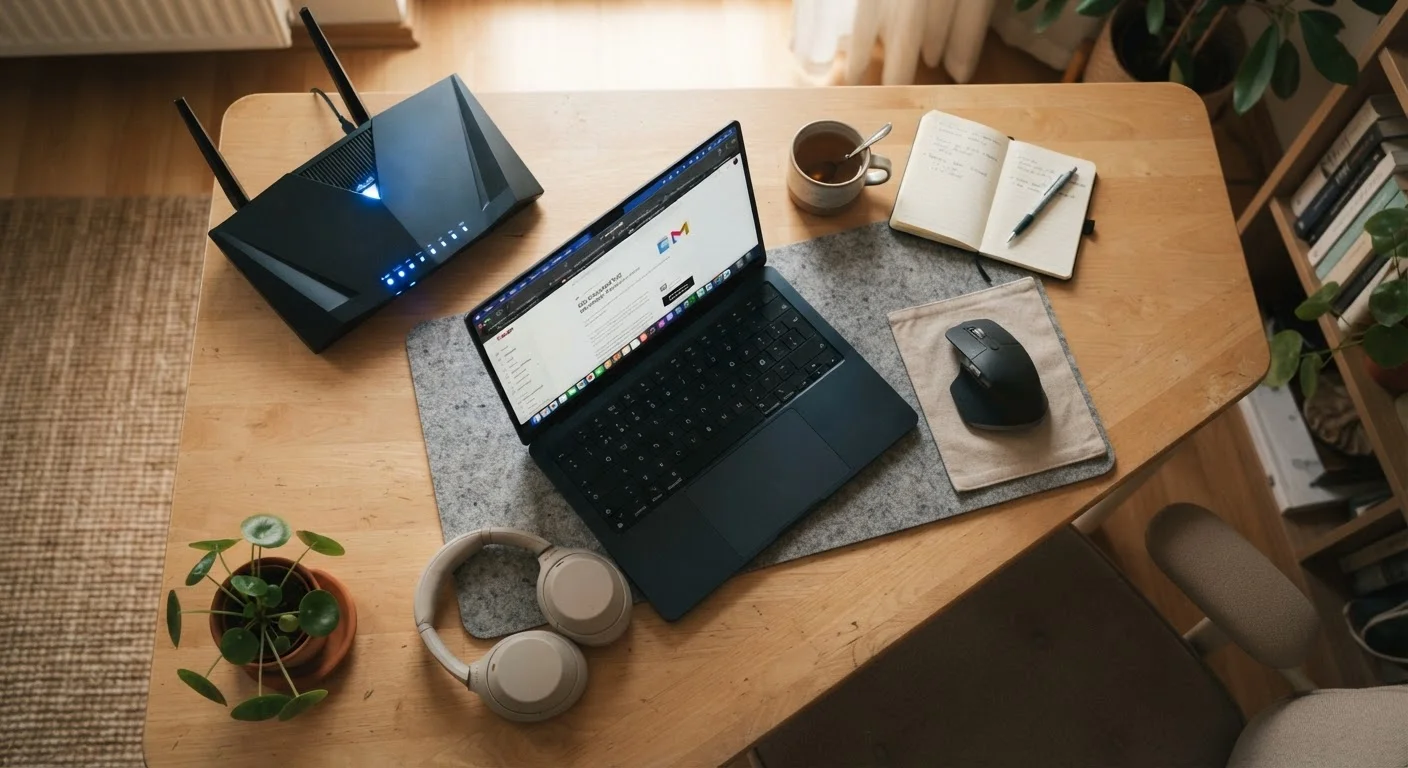
The modem translates the signal from outside into something your devices can use. A router then distributes that connection wirelessly (Wi-Fi) or via ethernet cables to phones, laptops, TVs, and smart-home devices. Many providers supply a combined modem-router unit, though buying your own compatible hardware can reduce monthly equipment rental fees over time.
For a broader look at how these technologies compare, see our guide to broadband types.
The Main Connection Types Explained
Not every connection type is available at every address. What reaches your home depends on what infrastructure has been built in your area.
- Fiber optic: Data travels as pulses of light through glass or plastic strands. Fiber delivers the fastest and most consistent speeds available to residential customers, with upload speeds that typically match download speeds - a meaningful advantage for remote work and video calls.
- Cable: Uses the same coaxial cable infrastructure built for cable TV. Cable is widely available and supports high download speeds, though upload speeds are often significantly lower and performance can dip during peak-use hours when many neighbors share capacity.
- DSL (Digital Subscriber Line): Runs over existing telephone lines. DSL is broadly available but slower than fiber or cable, and speed degrades the farther your home sits from the provider's equipment.
- Satellite: Signals travel between a dish at your home and an orbiting satellite. Traditional geostationary satellite services carry noticeable latency (delay) that makes real-time applications like video calls and online gaming frustrating. Low-Earth orbit satellite services reduce that latency considerably but coverage, pricing, and performance can vary.
- Fixed wireless: A receiver on your property picks up a signal from a nearby cell tower. Performance varies with line-of-sight conditions and tower congestion.
Our in-depth fiber vs. cable comparison walks through how those two options stack up in more detail.
What Speeds Really Mean for Daily Life
Speeds are measured in megabits per second (Mbps) or, for very fast connections, gigabits per second (Gbps). Advertised speeds are maximums - real-world performance is usually lower, depending on network congestion, your equipment, and how many devices are active at once.
Run a speed test to know your baseline
Before signing up for a new plan - or if you're troubleshooting an existing one - run a speed test from a device connected directly to your router via ethernet cable, not over Wi-Fi. This gives you the most accurate picture of what your connection is actually delivering, separate from any Wi-Fi or device limitations. Free speed-test tools are widely available from browser-based services.
A few practical reference points help translate numbers into daily experience:
- Video streaming (HD): Roughly 5-10 Mbps per stream. 4K streaming requires around 20-25 Mbps per stream.
- Video calls: 1-5 Mbps upload per participant; more for high-definition.
- Web browsing and email: Light on bandwidth - even a modest connection handles this easily.
- Large file transfers and backups: A faster connection shortens wait times meaningfully. This matters if you use cloud storage for regular backups.
Upload speed is the figure most often underemphasized in marketing materials. If anyone in your household makes video calls, teaches or attends online classes, or works remotely, a plan's upload speed deserves as much scrutiny as the download figure.
Key Terms Every New Subscriber Should Know
Bandwidth
The maximum amount of data that can move through your connection at once. Higher bandwidth means more data can flow simultaneously, which matters when multiple devices are active at the same time.
Latency
The time it takes for a signal to travel from your device to its destination and back, measured in milliseconds. Low latency feels responsive; high latency creates noticeable delays in video calls and interactive applications.
Data cap
A monthly limit on how much data you can send or receive. Exceeding the cap may result in extra charges or throttled (slowed) speeds until your billing cycle resets.
Throttling
When an ISP deliberately slows your connection, usually after you exceed a data cap or during periods of high network demand. Speeds recover either after your billing period resets or when congestion eases.
Symmetrical speed
A connection where upload and download speeds are equal. Fiber connections are often symmetrical; cable and DSL connections typically offer much slower upload than download speeds.
Contract term
The length of time you agree to stay with a provider. Signing a one- or two-year contract may lock in a promotional rate but usually comes with an early termination fee if you cancel before the term ends.
Beyond speed and connection type, a few other terms appear routinely in service agreements and are worth understanding before you commit to a plan. Many misconceptions around these terms lead to unexpected costs - a pattern explored further in our look at common internet service myths.
Questions to Ask Before You Sign Up
Armed with the vocabulary above, a short list of direct questions can save significant frustration later:
- Is there a data cap? If so, what is the monthly limit and what happens when you exceed it?
- What are the upload speeds, not just download? Ask for both figures in writing.
- Does the quoted price include equipment rental? Modem and router fees can add $10-$20 per month.
- Is this a promotional rate? If so, what does the price become after the introductory period ends?
- What is the contract length and early termination fee? Month-to-month plans offer flexibility; contracts may lock in a rate but add exit costs.
- What is the installation process and timeline? Some connection types require a technician visit; others are self-install.
If you're switching from an existing provider, our guide to switching internet providers covers how to time the changeover and avoid gaps in service. Mobile data terminology follows its own logic - our mobile plan jargon decoder can help if you're comparing home broadband against a mobile hotspot option.