

| Typical free storage offered | 5-15 GB per account (Common range across major consumer cloud services) |
| Unit of measurement | Gigabytes (GB) and Terabytes (TB) |
| Sync behavior on delete | Deletion spreads to all linked devices (Standard behavior; varies by service settings) |
| Version history retention | 30-180 days, tier-dependent (Varies by provider and subscription level) |
| Encryption standard | AES-256 common for at-rest encryption (Widely adopted industry standard) |
| Access methods | Web browser, desktop app, mobile app |
Why Cloud Storage Has Its Own Vocabulary
Cloud storage lets you save files - photos, documents, videos - on remote servers you access over the internet rather than only on your device's internal memory. That concept sounds simple, but the services built around it come loaded with terminology that can feel opaque when you're just trying to free up space or share a file with a coworker.
This glossary covers the terms you're most likely to encounter when setting up or managing a cloud storage account. If you've ever wondered what the difference is between a synced file and a backed-up one, or why you're suddenly being asked to upgrade your "storage tier," the definitions below should clear that up. For context on the underlying network that makes cloud storage work, see our home internet primer - it explains broadband basics in the same plain-language style.
Cloud Storage
A service that saves your files on internet-connected servers operated by a third party rather than solely on your device. You access those files through an app or web browser.
Sync
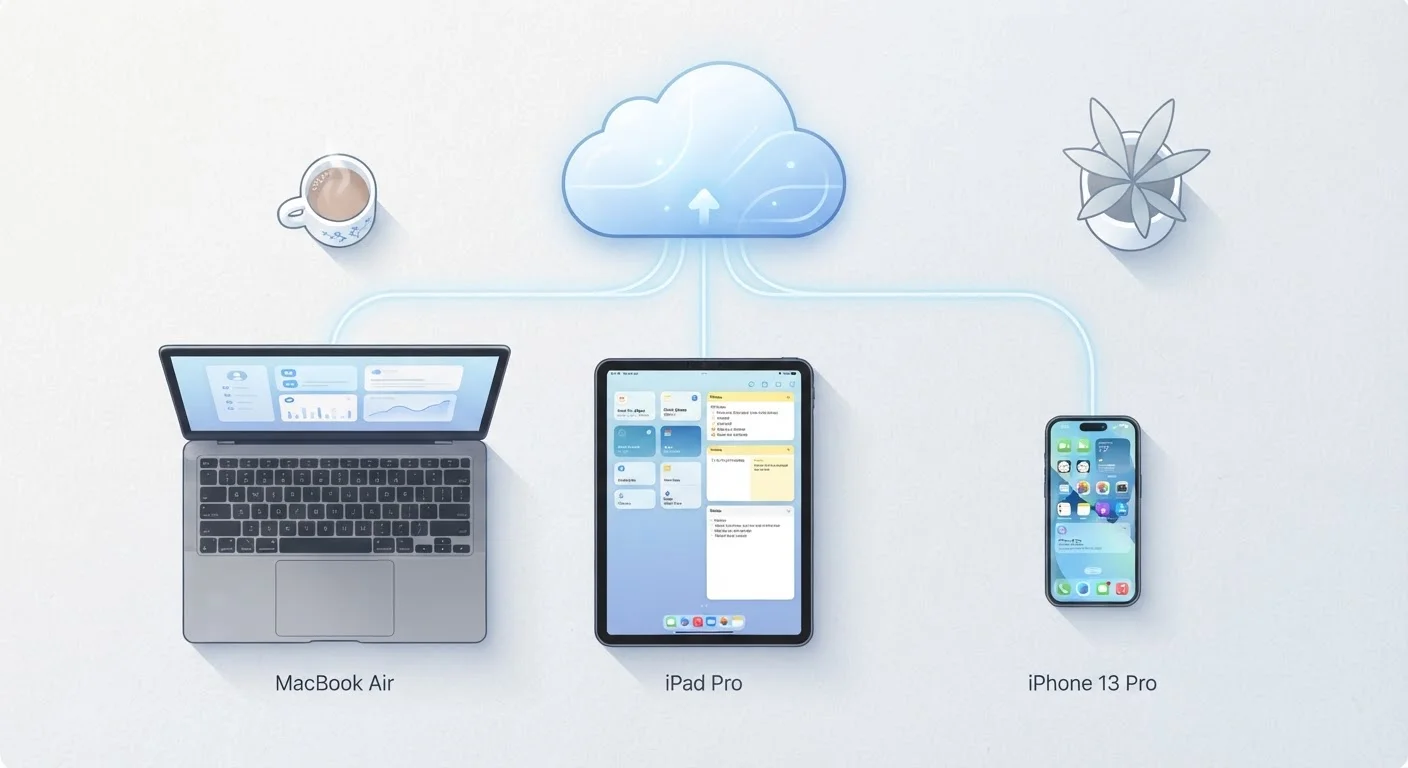
A two-way process that keeps the same files identical across all your linked devices. A change made on one device - including a deletion - is reflected everywhere.
Backup
A one-directional copy of your files stored separately so you can restore them if the originals are lost, deleted, or corrupted. Unlike sync, a backup is not automatically changed when you modify the original.
Storage Tier
A pricing level that defines how much storage capacity you receive. Services commonly offer a limited free tier and progressively larger paid tiers billed monthly or annually.
Gigabyte (GB)
A unit of digital storage equal to roughly 1,000 megabytes. A single high-resolution photo is typically 3-8 MB; a one-hour video can easily reach several GB.
Shared Drive
A folder or workspace whose files are owned collectively by a group rather than by a single user's account. Files persist even if the original creator leaves the group.
Permission Level
A setting that controls what another person can do with a shared file or folder - for example, "view only" prevents editing, while "editor" allows changes.
Encryption
A method of scrambling file data so it can only be read by someone with the correct key. Many services encrypt files both in transit (moving over the internet) and at rest (stored on servers).
Local Storage
Space on a physical device - your phone's internal memory, a laptop's hard drive, or an external drive - as opposed to space on a remote cloud server.
Selective Sync
A setting that lets you choose which cloud folders are downloaded to a specific device, saving local storage space by keeping other folders available online only.
Version History
A record of earlier saved states of a file. If a document is overwritten by mistake, version history lets you retrieve a prior version up to a service-defined limit.
Offline Access
A feature that downloads selected files to your device so you can open and edit them without an internet connection. Changes sync back to the cloud when connectivity resumes.
The Terms You'll Actually Encounter
Understanding a handful of core concepts covers the vast majority of what everyday cloud storage users run into. Here's a closer look at the ones that matter most.
| Typical free storage offered | 5-15 GB per account (Common range across major consumer cloud services) |
| Unit of measurement | Gigabytes (GB) and Terabytes (TB) |
| Sync behavior on delete | Deletion spreads to all linked devices (Standard behavior; varies by service settings) |
| Version history retention | 30-180 days, tier-dependent (Varies by provider and subscription level) |
| Encryption standard | AES-256 common for at-rest encryption (Widely adopted industry standard) |
| Access methods | Web browser, desktop app, mobile app |
Sync vs. Backup - The Most Confused Pair
Sync keeps a folder's contents identical across multiple devices in near real time. If you delete a file on your phone, sync removes it from your laptop too. Backup, by contrast, is a one-way copy created for recovery purposes - deleting the original doesn't automatically delete the backup. Knowing which one your service performs by default can prevent accidental data loss. Many services offer both, but under different settings menus.
Storage Tiers and What "Free" Actually Means
Most consumer cloud services offer a free tier with a modest storage cap - often measured in gigabytes (GB). When you exceed that cap, you're prompted to move to a paid tier, usually billed monthly or annually. Reading the tier limits before you fill them up helps you avoid an unexpected interruption to access. If you want to understand what fills up storage in the first place, our companion article on what "Storage Full" really means on your phone walks through exactly that.
Permissions and Shared Drives
When you share a file or folder, most services ask you to set a permission level - typically "view only" or "can edit." A shared drive (sometimes called a team drive) is a folder whose contents are collectively owned by a group rather than one individual account. If the person who created it leaves the organization, the files stay. Personal shared folders work differently - they're still tied to the owner's account. Knowing which type you're using matters when collaborating on important documents.
For readers who enjoy plain-language glossaries across other topics, the same approach applies in our credit and banking terms glossary and the rental agreement terms reference.