

Key Takeaways
- Check your current contract for early termination fees before contacting any new provider.
- Overlap your old and new service by a few days to avoid a gap in connectivity.
- Understand what download and upload speeds you actually need before comparing plans.
- Return leased equipment on time to avoid unexpected charges from your old provider.
- Test your new connection thoroughly before canceling the old service.
What you will need
Why Switching Internet Providers Feels Complicated
Most people stay with their current internet provider longer than they'd like - not because the service is good, but because switching feels opaque. Between contract terms, equipment returns, and installation windows, there are enough moving parts to cause real disruption if one step goes out of order. The good news: a methodical approach eliminates most of the friction.
The core principle is simple: never cancel before you confirm. This applies to your current contract (cancel only after the new service is active) and to your equipment return (confirm receipt before assuming you're done). Everything else - speed comparisons, installation scheduling, reviewing fees - is preparation that makes those two moments go smoothly.
What you will need
If you're also reconsidering your mobile plan at the same time, the process shares some similarities. Our guide to switching mobile carriers covers number porting and avoiding service gaps on the cellular side.
What to Expect After You Switch
Once the new service is live, take a few days to stress-test it under real household conditions - not just a speed test at the router. Stream video, run a video call, and use the connection during evening peak hours (typically 7-9 p.m. local time when neighborhood traffic is heaviest). This is your window to raise any performance issues with the new provider while you still have a fallback.
Run a Wired Speed Test First
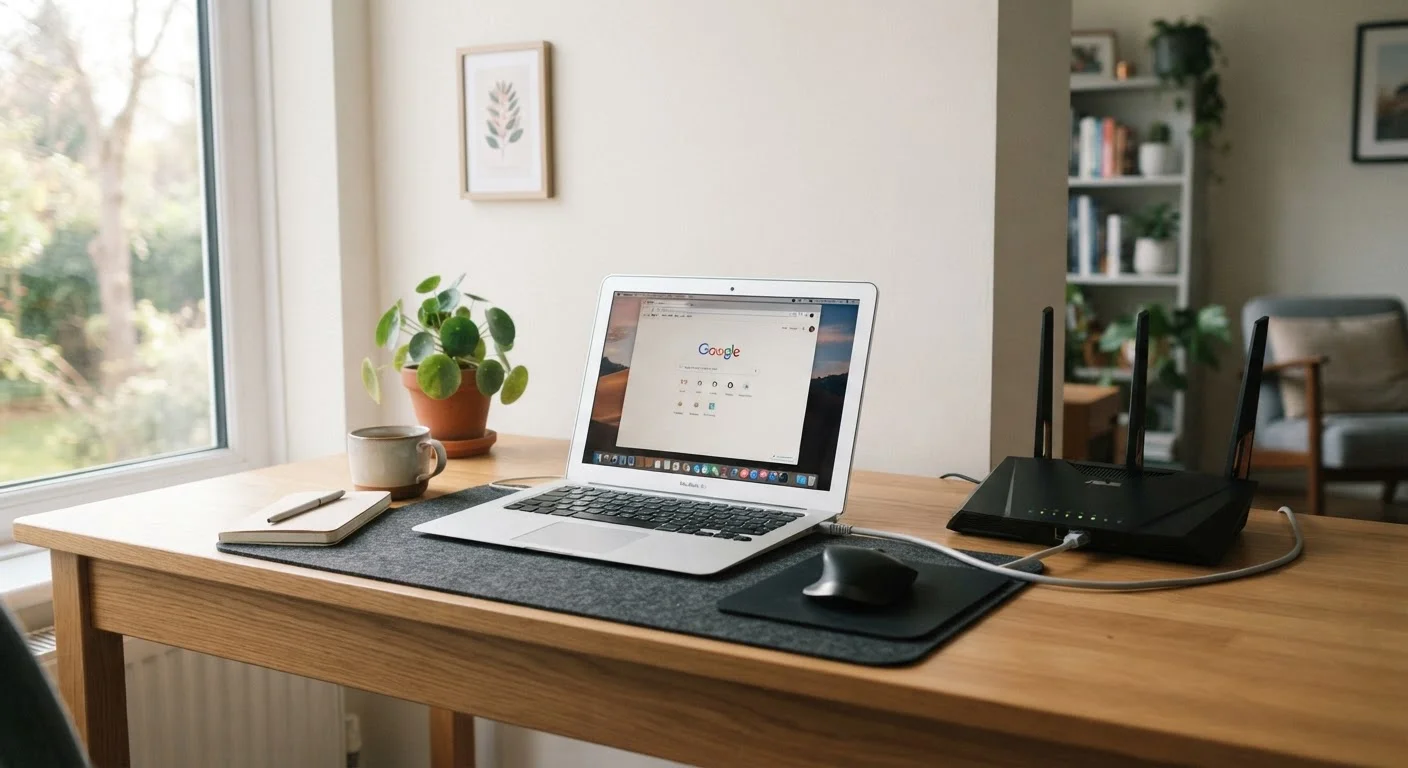
Wi-Fi performance depends heavily on router placement, interference, and device capability - none of which reflect your actual service tier. Connect a laptop directly to the modem or router via an ethernet cable and run a speed test at that point. This gives you a baseline that's fair to compare against the plan you're paying for.
If you've set up any smart home devices, they'll need to be reconnected to the new network name and password. This is a good opportunity to review your network setup - including whether a guest network makes sense for visitors or IoT devices. Our article on setting up a guest Wi-Fi network walks through the process on most home routers.
Finally, read your new contract carefully before the first billing cycle closes. Promotional pricing, automatic price increases after an introductory period, and data cap policies are all areas where readers frequently encounter surprises. The details are in the fine print - taking 15 minutes to read them now avoids much larger headaches later.