

Key Takeaways
- Federal law gives you the right to keep your phone number when switching carriers.
- You need your account number and transfer PIN from your current carrier before you start.
- Do not cancel your old service - the new carrier handles that during the port.
- The full transfer typically completes within a few hours, though it can take up to 24 hours.
- Your number can be lost if you cancel early or let a prepaid account run out of funds.
What you will need
What Number Porting Actually Means
Number porting - officially called LNP - is the process of transferring your existing phone number from one carrier to another. The FCC mandated this right for wireless customers in 2003, which means carriers are legally required to release your number when you request a transfer. You are not at the mercy of your old provider.
The process is carrier-to-carrier. Your new carrier submits a porting request to your old one on your behalf. While the transfer processes, your old service stays active, so you keep receiving calls and texts. The cutover - the moment your number moves - usually happens automatically once the request is approved.
Before you dive into plan comparisons, it helps to understand the terminology carriers use. Our plain-language guide to mobile plan terms explains concepts like MVNO, deprioritization, and network coverage so you can read a plan description without guesswork.
What You Need Before You Start
Gathering the right information ahead of time prevents the most common porting delays. Have these ready before you contact your new carrier.
What you will need
If you are also thinking about how to handle a device that is still being paid off, see our overview of phone financing, leasing, and buying outright - a financed phone on an installment plan is typically still portable, but the remaining balance stays with you.
How to Port Your Number Step by Step
Follow these steps in order. The most important rule: do not contact your current carrier to cancel until after your number has successfully moved.
Retrieve your account number and transfer PIN
Log in to your current carrier's app or website and locate your account number and transfer (porting) PIN. Carriers are required to provide this on request. If you cannot find it in the app, call customer service - they must give it to you. Write both down exactly as they appear.
Choose your new carrier and start the sign-up
Complete the sign-up process with your new carrier. When asked whether you want to keep your existing number, select yes and enter your current number, account number, and transfer PIN. The new carrier's system will use these to file the porting request.
Activate your new SIM without cancelling old service
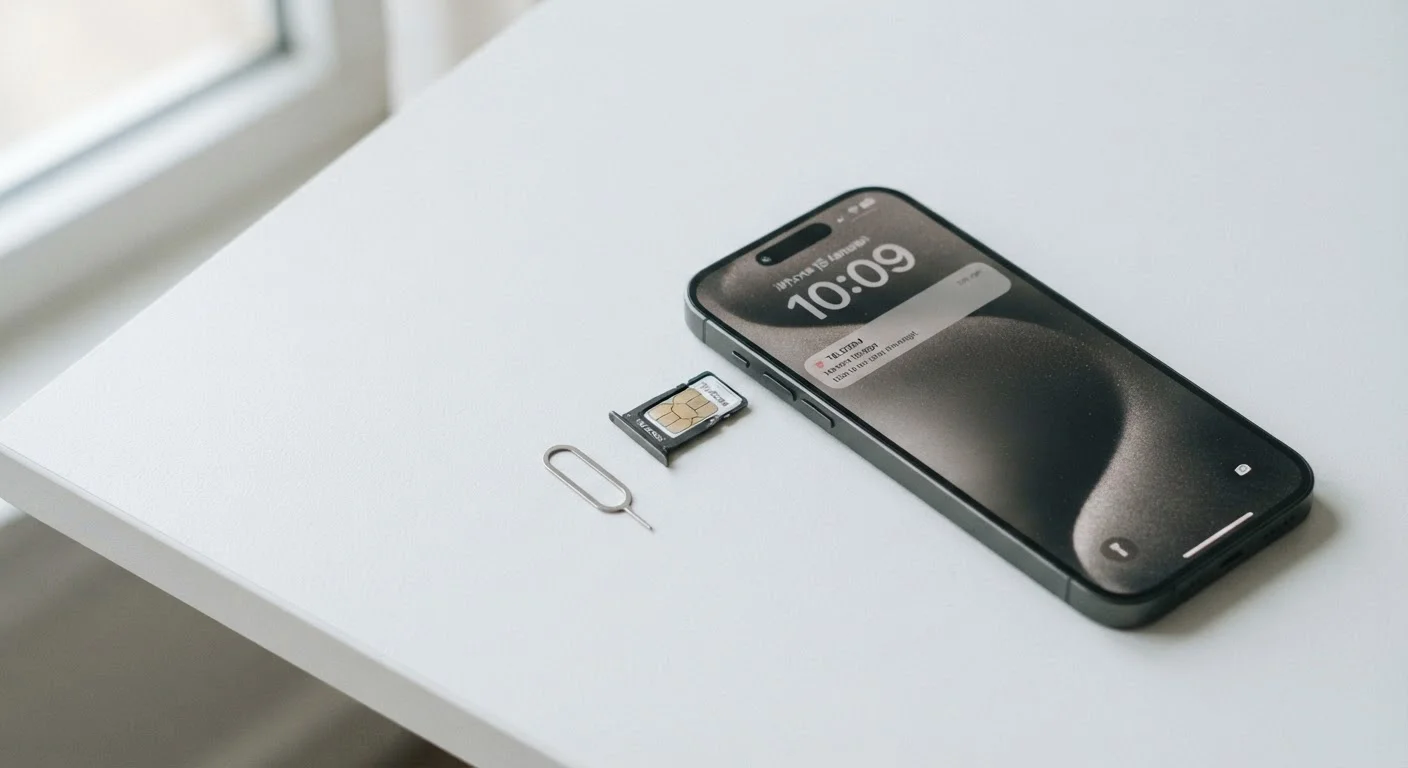
Insert your new SIM card (or activate an eSIM profile) as instructed by your new carrier. Your old service will remain active in parallel. Do not call your old carrier to cancel - doing so before the port completes can terminate your number.
Wait for the port to complete
Simple ports between major carriers typically complete within a few hours. Transfers involving MVNOs (carriers that lease network capacity rather than own towers) or numbers originally ported from a landline may take longer - up to a full business day is common. You will usually receive a text or email confirmation when your number is live on the new network.
Confirm success, then cancel your old account
Once your number is active and working on the new carrier, you can safely contact your old carrier to close the account. Check whether any remaining bill cycle charges or early termination fees apply - your old carrier should be able to confirm your final bill amount.
Common Problems and How to Handle Them
Most ports go smoothly, but a handful of issues come up repeatedly.
- Port rejected due to mismatched information: Your new carrier will notify you. Double-check that the name, address, and account number you provided match your current carrier's records exactly - even a missing apartment number can cause a rejection.
- Prepaid account ran out of credit: Some prepaid carriers require an active balance to release a number. Top up your account before initiating a port if you are on prepaid.
- Number accidentally cancelled: If you cancel your old account before the port completes, your number may be released into a pool and become very difficult to recover. Contact your old carrier immediately and ask if the number can be placed on a 60-day port freeze - there is no guarantee, but acting fast improves the odds.
- Port taking longer than 24 hours: Contact your new carrier's support team. They can check the request status and escalate if the old carrier is not responding within the legally required window.
Never Cancel Your Old Account First
Cancelling your existing line before a port is complete is the fastest way to lose your number permanently. The new carrier manages the transfer and will close your old account as part of the process. If you are unsure whether the port has finished, call your new carrier's support line before taking any action with your old carrier.
If you are switching home internet at the same time, the process has its own set of pitfalls. Our guide on switching home internet providers without the headaches covers how to minimize downtime there as well.