

Key Takeaways
- Data caps limit your monthly internet usage; exceeding them typically triggers fees or speed reductions.
- Streaming video, video calls, and gaming are the largest contributors to monthly data consumption.
- Many cable internet plans include data caps, while fiber plans are more likely to be unlimited.
- Monitoring your usage through your provider's app or router settings helps you avoid surprise charges.
- Households with multiple users or heavy streaming may need a higher cap or an unlimited plan.
Data Cap
A data cap is a monthly limit set by an internet service provider on the total amount of data - uploads and downloads combined - a household can use. Once you hit that limit, the provider may slow your connection, charge extra fees, or both. Caps are measured in gigabytes (GB) or terabytes (TB).
Data caps apply to total throughput, not speed - a gigabit connection can burn through a 1 TB cap just as quickly as a slower plan if usage habits are the same.
How Data Caps Work in Practice
Every byte of data you send or receive over your home internet connection - streaming a show, downloading a software update, joining a video call - counts toward your monthly total. A data cap sets the ceiling on that total. Hit it, and your provider responds automatically, either by adding charges or by slowing your connection until the next billing cycle begins.
Caps are commonly set at 1 TB (1,000 GB), though some providers offer lower thresholds - 300 GB or 500 GB - on entry-level plans. Overage fees typically run between $10 and $15 per additional 50 GB block, though this varies. A few providers automatically bump customers into a temporary unlimited add-on once the cap is reached, which also carries an extra monthly charge.
It's worth noting that data caps are distinct from your plan's speed. Internet speeds determine how fast data moves; caps determine how much can move in a month. A fast plan with a low cap can still leave a household frustrated by mid-month.
1 TB
Common monthly data cap on cable plans
Many major US cable internet providers set a 1 TB monthly data allowance as a standard threshold on their residential plans.
7+ GB
Data used per hour of 4K streaming
Streaming a single 4K HDR video stream for one hour can consume 7 GB or more, depending on the platform and quality settings.
~400 GB
Monthly data from 4K streaming alone
Two hours of 4K streaming daily adds up to roughly 400-450 GB per month before accounting for any other household usage.
Which Activities Consume the Most Data
Understanding where your data goes helps you manage it. Video is by far the biggest consumer. Streaming HD video uses roughly 3 GB per hour; 4K streaming can consume 7 GB or more per hour. A household watching two hours of 4K content daily can use over 400 GB in a month from streaming alone.
Other significant data draws include:
- Video calls - a one-hour HD video conference uses approximately 1-2 GB depending on platform settings.
- Online gaming - gameplay itself uses relatively little data (often under 100 MB per hour), but game downloads and patches can run 50-100 GB per update.
- Smart home devices - individually small, but cameras that upload continuous footage can add up significantly over a month.
- Cloud backups - automatic photo and file backups run silently in the background and can consume several GB weekly.
Households that work from home with regular video calls, or those with children who game and stream simultaneously, are the most likely to run into cap-related issues.
Caps by Connection Type: What to Expect
Not all internet technologies treat data the same way. Cable internet - which remains the most widely available broadband type in the US - is the most likely to include a monthly data cap. Providers that use cable infrastructure have historically used caps as a way to manage network load.
Fiber internet plans tend to come with fewer caps, and unlimited fiber service is common in markets where it's available. That said, availability is still limited - many rural and suburban areas don't yet have fiber as an option. For a fuller picture of how these technologies compare on speed, reliability, and pricing structures, see fiber vs. cable trade-offs.
Fixed wireless and satellite internet plans - common in areas without cable or fiber - often carry stricter data caps and are more likely to throttle speeds after thresholds are reached. DSL plans vary widely by provider.
The label "unlimited" on any plan deserves scrutiny. As explained in what unlimited data really means, unlimited doesn't always mean uncapped - some plans throttle speeds after a certain threshold even when they advertise no hard cap.
How to Monitor and Manage Your Usage
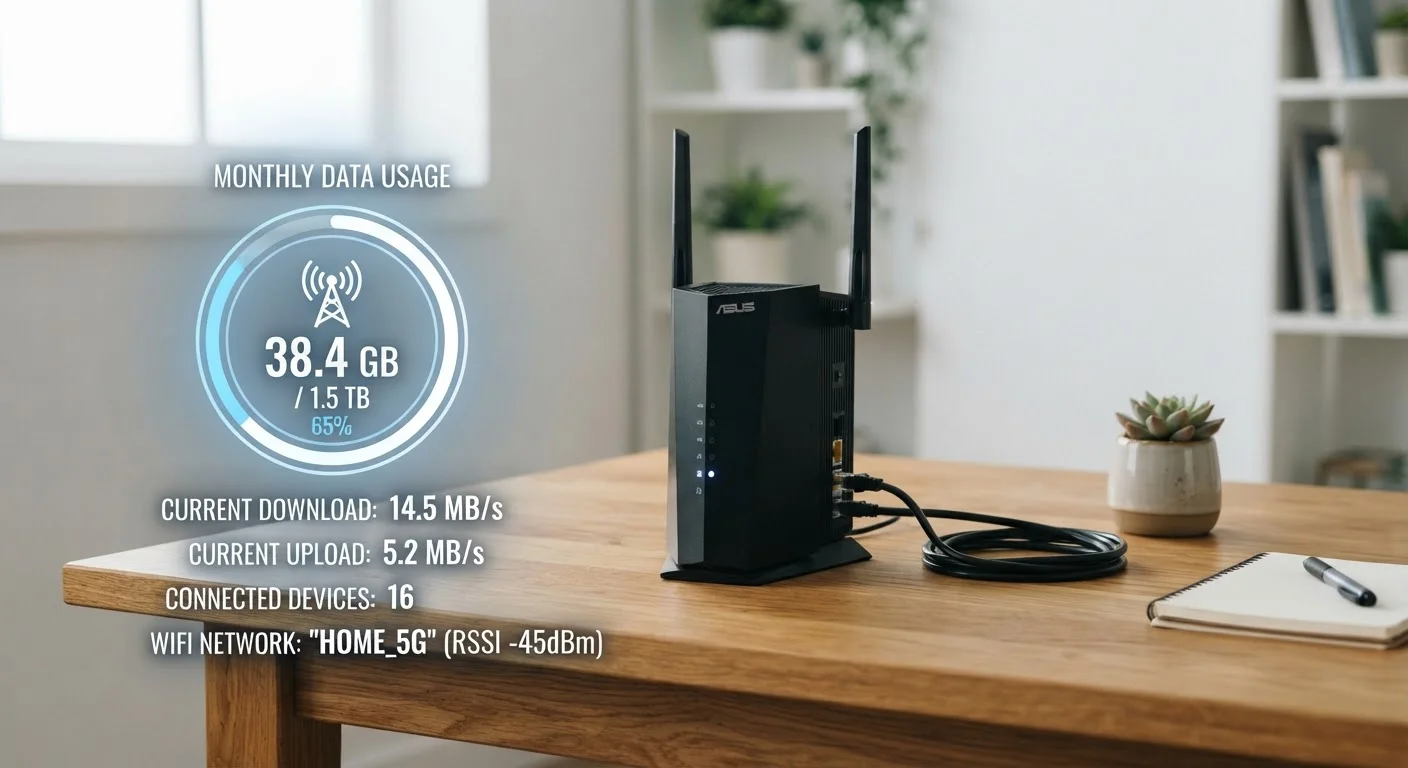
Most providers offer a usage dashboard through their website or app. Checking it mid-cycle - say, two weeks in - gives you a practical read on whether you're on track to stay under your cap or headed for overage territory.
Some practical steps for managing usage:
- Lower streaming quality settings in apps like Netflix or YouTube from 4K to HD or lower when watching on smaller screens where the difference is hard to see.
- Schedule large downloads (game updates, OS patches) during any off-peak unmetered hours your provider may offer - check your plan terms.
- Review which smart home cameras or cloud backup services run continuously, and adjust their settings or schedules.
- Use your router's built-in traffic monitoring, if available, to see which devices consume the most data.
Before committing to a plan, review what the contract actually says about caps, overage fees, and speed reductions. The pre-signup checklist walks through the specific questions worth asking before you sign. Many households also overpay by choosing plans that don't match their actual usage - a pattern covered in common overpayment assumptions.
Check Your Usage Before Shopping for a Plan
If your current provider shows usage history in your account dashboard, review the past three months to find your actual average consumption. This gives you a realistic baseline to compare against any plan's cap - rather than guessing based on how many people are in your home.